Enrichment just got a glass box
You click Enrich. Something happens. Somewhere. Eventually. That was the old deal, and you deserved better. Starting today, enrichment runs out in the open: you see every provider we check, in order, live, with a rough idea of how long it will take.
The short version:
Faster feedback: a live pop-up shows the hunt for email and mobile as it happens.
You can see which providers are being checked, which were checked, which were flagged as wrong, and which one found the value.
A time estimate tells you roughly how long you will wait.
More providers, including new bring-your-own-key options.
Admins decide the order in which providers are called.
Watch the hunt happen live

Every enrichment now opens the same pop-up, whatever started it: the Enrich button, the magnifier on an empty field, a thumbs-down on a wrong value, or the automatic enrichment after you add a contact to HubSpot.
Email and mobile run as two separate tracks, side by side. They never wait on each other, so a work email found on the first try lands in the contact form right away, even while the mobile search keeps going. Once a track finds a value, the rest of its queue clears out. No busywork, no padding.
Four statuses, zero guessing
Every provider in the list carries one plain status:
Searching… This provider is being checked right now. The ones lined up after it read Waiting.
No result: checked, came back empty. We move on to the next one.
Found: this provider got the value, and it is named so you know where your data came from.
Reported wrong: someone on your team flagged a value from this provider with a thumbs-down. If another provider hands us that same flagged value, its row reads Same number · logged (or Same email · logged), it is logged as wrong there too, and the search continues.

Thumbs-down still works the way you know: it flags the wrong value and looks for a replacement in one click, only asking providers we have not tried yet.
Hover for the backstory
Hover any email or mobile icon, or the Enrich button, and you get the full story of that field: whether it was already in HubSpot, which providers were tried, which one found it, what was reported wrong, and which providers a new click would still try. Hover during a run and you see the live view, even if you already closed the pop-up.

A clock on the wall
The pop-up now gives you an estimate, like est. 6 sec, based on how quickly the providers still in line usually answer. It updates as the run moves along.

Sometimes it takes the long road
Most lookups wrap up in seconds. When the quick providers come up empty, the search continues down the line to providers that need more time to dig. The estimate says so upfront with a plus sign (est. 10 sec+, or est. 1+ min when a slower provider is next), the pop-up stays open while it waits, and you can see exactly where it is. No silent spinner, no mystery.

And when every provider searched and nobody had the data, you now see nothing found instead of a scary "Lookup failed". Failed lookups never cost credits.
More providers in the mix
More providers means more chances to find the right email and mobile. New this round:
People Data Labs and Datagma: new, available with your own key and also part of the SurroundR waterfall.
RocketReach: already available with your own key, now also part of the SurroundR waterfall.
ContactOut: joins the SurroundR waterfall.
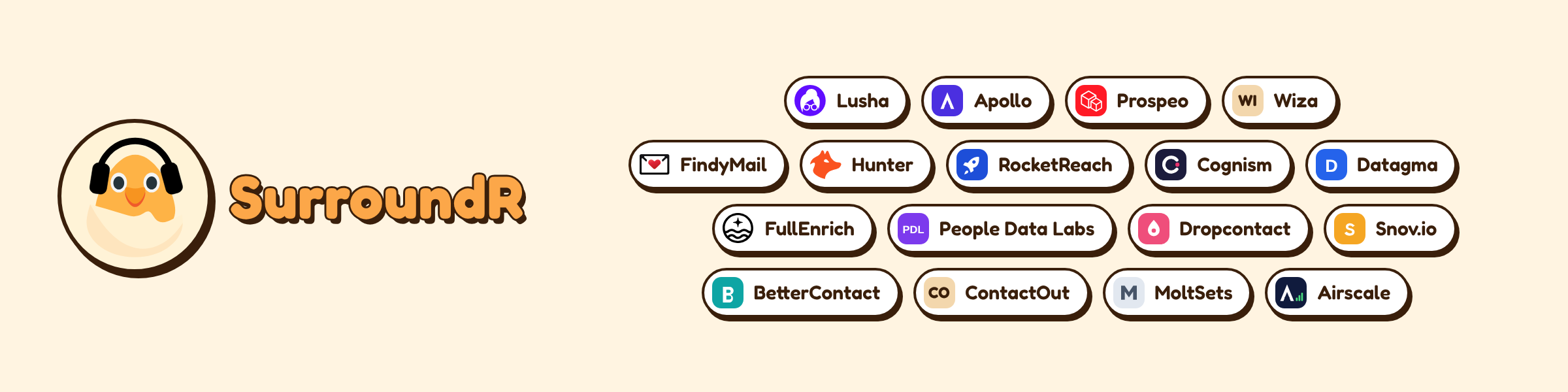
Here is every provider you can plug in with your own API key. Key-backed providers run on your credits with that vendor, not on SurroundR credits.
Bring-your-own-key is included in the Mono and Stereo plans.
Admins: set the batting order
Admins decide who goes first. Here is how:
Open the SurroundR web app and go to Settings, then General, then the Enrich settings tab.
Under Your API keys, click + Add provider key, pick a provider, paste its key and save. Repeat for every vendor you already pay for.
Under Provider order, use the arrows to rank your key-backed providers. Enrichment tries them top to bottom until it finds the data.
Place the SurroundR waterfall where you want it: above your own keys to use SurroundR credits first, or below them to burn through your vendor credits first. The providers inside the SurroundR waterfall rotate automatically and stay managed by us.

No keys yet? No problem. Every enrichment simply runs through the SurroundR waterfall. If a vendor ever rejects a key, it gets a Key error badge in the list so you know to replace it.
That is the update. Open a LinkedIn profile, hit Enrich and watch it work.