SurroundR follows you into HubSpot
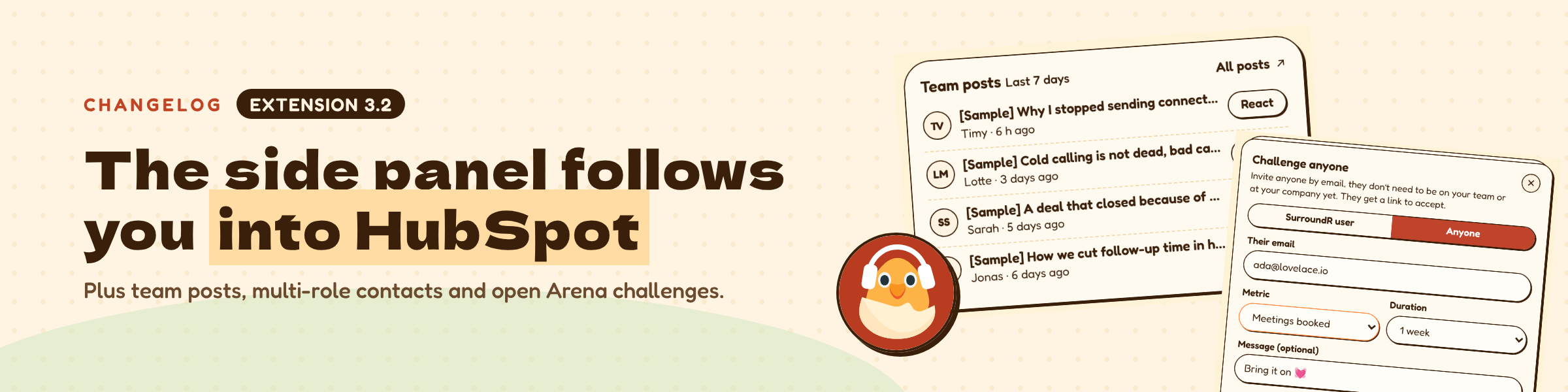
The side panel now opens on HubSpot records and on your LinkedIn connections. Contacts with two jobs land at both companies, the DM window does more in fewer clicks, and you can challenge anyone in the Arena.
Key points
The side panel works on HubSpot contact and company records, and on your LinkedIn connections list.
Team posts on Home shows the teammates' posts you have not reacted to yet.
Add or update a contact at all of their current companies at once.
A new More actions menu in the DM window, with Quick task.
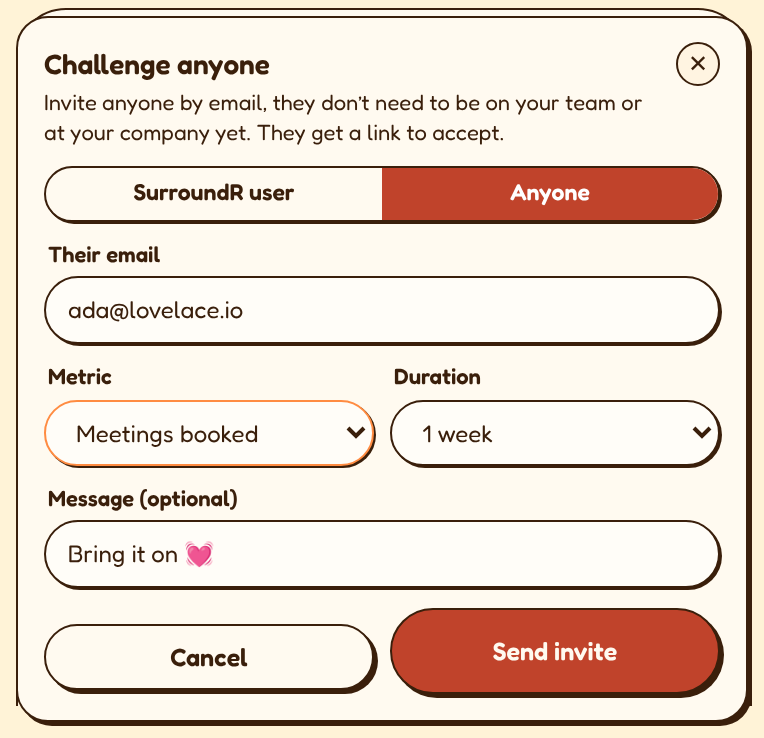
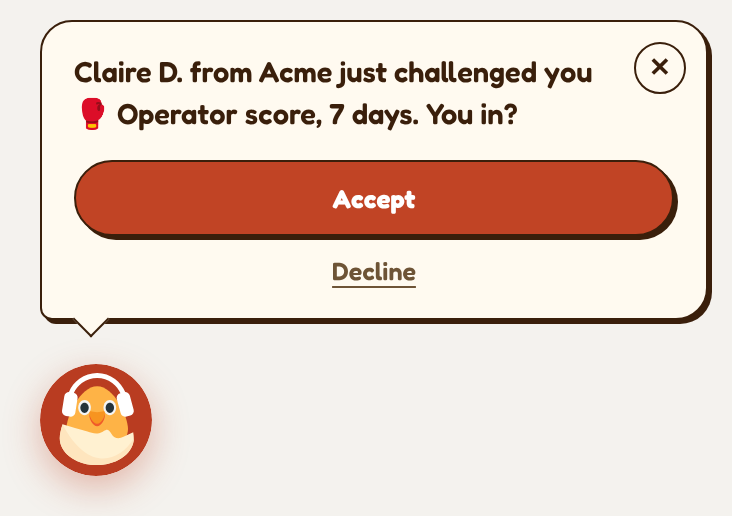
Challenge any SurroundR user, or anyone by email, and accept challenges straight from Chirpy.
The side panel follows you
On HubSpot records
Open a contact or company record in HubSpot and the side panel shows the same SurroundR page you get on their LinkedIn profile. It works for the HubSpot portal connected to your workspace and follows you as you click through records. Deals, tickets and list views show the usual "not on a profile" screen.
On your LinkedIn connections
Your connections list (My Network, then Connections) now gets the list view, bulk add and "already in CRM" highlights you know from LinkedIn people search. The panel loads your first 100 connections and shows how many are loaded out of your total.
Team posts on Home
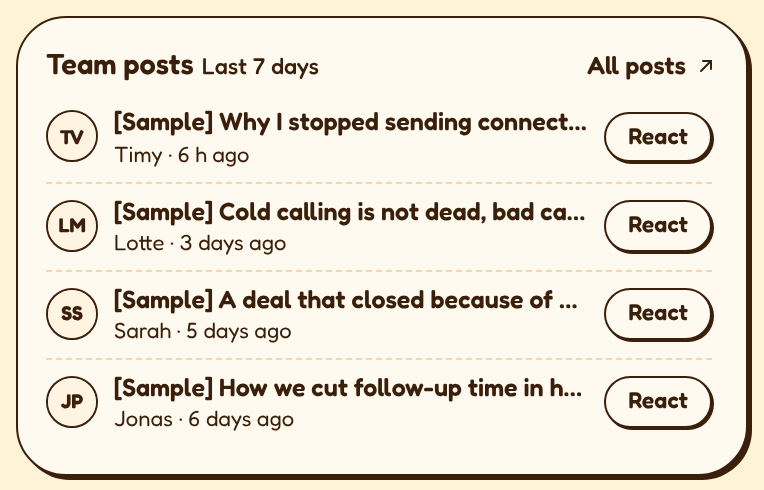
A new Team posts card lists your teammates' recent LinkedIn posts that you have not reacted to, commented on or reposted. It covers the last 24 hours, or the last 7 days when your team posted fewer than three times. Click React to open the post on LinkedIn. The card hides itself when nothing is waiting.
Quick settings and Chirps, tidied up
Quick settings has a compact account card, one-row feature switches that explain themselves on hover, and a new Notifications card where you choose what SurroundR tells you about. Chirp cards are more compact, with one-click links to LinkedIn, HubSpot, the Chirp page and Copy link.
Two jobs, two companies
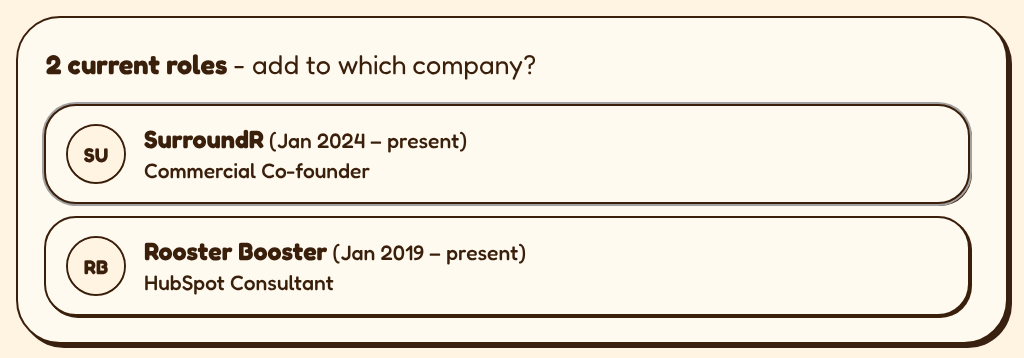
Plenty of people hold more than one current role: a day job and a board seat, or two companies they run. When you click + Add on someone with several current roles, you now pick which companies to associate. Pick one, several or none, and mark the primary company once you pick two or more. Roles without a LinkedIn company page can be linked to an existing company right there.
Update on a contact who is already in HubSpot works the same way. HubSpot can take up to a minute to show the extra companies. If your workspace requires a company on every contact, "no company" stays disabled.
DMs, fewer clicks
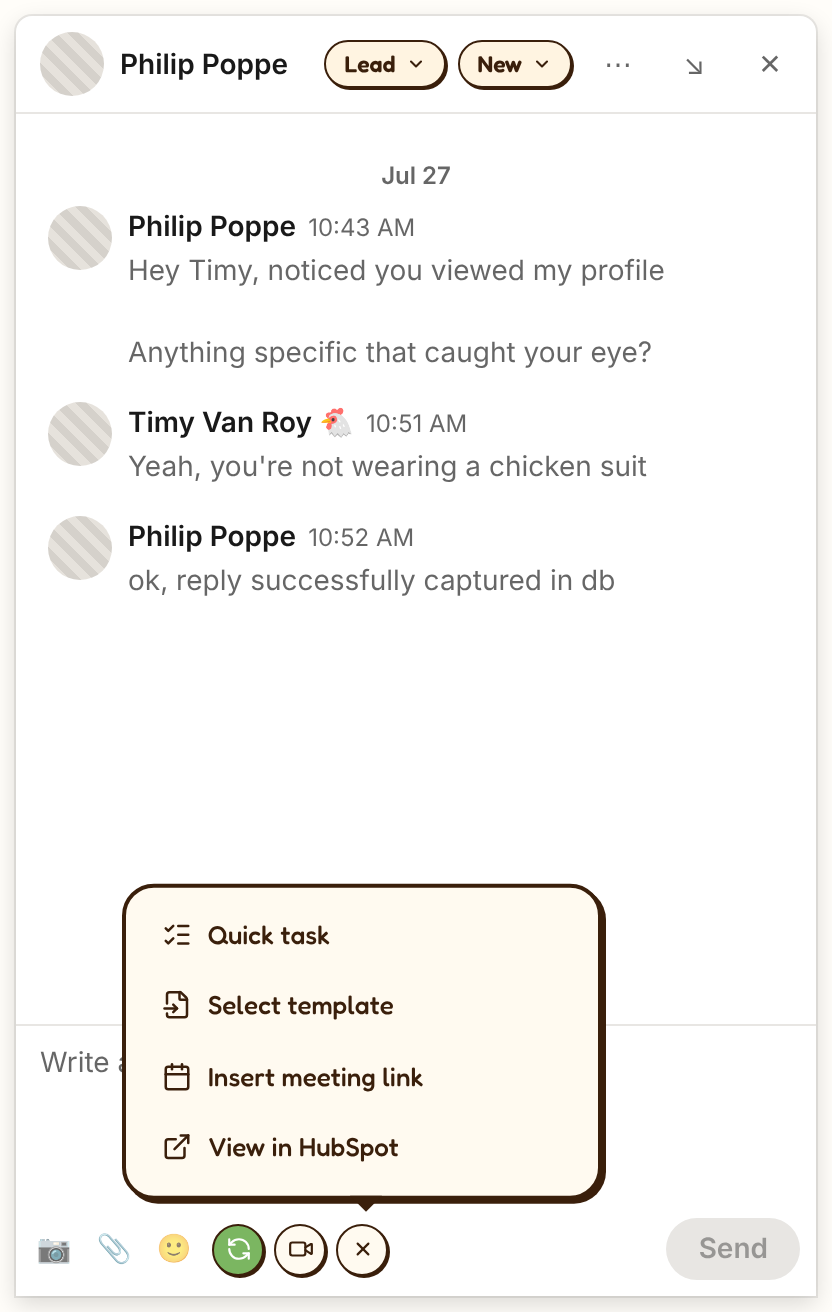
More actions: a new menu in the DM footer holds Quick task, Select template, Insert meeting link and View in HubSpot. Quick task opens with the contact already filled in.
Templates add, they don't replace: a template now lands below what you already typed instead of wiping your draft.
Your own stages: the lifecycle stage and lead status pills in the DM header show your portal's own stages and statuses, custom ones included. Fields an admin locked in settings look read-only.
Calmer pop-ups: only one footer pop-up opens at a time, and tooltips stay with their button and disappear when you move away.
Arena: challenge anyone
Challenges are no longer limited to your teammates. From the Arena in the side panel or the web app, challenge any SurroundR user, or switch to Anyone and invite someone by email. They get a link to accept. Pick the metric and the duration, and add a message if you like. Chirps sent challenges can also run for 15 minutes or an hour.
When someone challenges you, Chirpy pops up with Accept and Decline, and the invite also waits for you in the Arena. If the challenger works at another company, Chirpy tells you which one. Once your opponent accepts, Chirpy lets you know the game is on.
Also improved
Enrichment now throws out results that belong to a different person, and values that come back partly masked. A value you chose to keep no longer comes back for review when you revisit the profile.
Bulk sequence enrollment retries contacts whose email was still syncing to HubSpot, instead of skipping them.
HubSpot properties that hold a user, such as owner fields, now get a proper user picker.
The HubSpot integration page shows sync progress instead of record counts, and loads fast on large portals.
Opening the web app more than an hour after signing in no longer signs you out of the web app and the extension.
Open web app tabs reload onto the new version after an update, so you never work on an outdated page.
Background LinkedIn checks now run at a human pace, with no bursts after your browser was closed. The reload banner only shows when there is a new version.
Chrome updates the extension on its own. To get 3.2 right away, open chrome://extensions, turn on Developer mode and click Update.